- contact@insightclickiq.com
- Every click, every session, explained by AI

Blog
Notes on AI-first click analytics
Worked examples from the demo data: what the digest, the agents, journeys, zones and forms actually say, how they reach it, and where they stop.

Heatmaps
Zones: click analytics that tells you which element costs you conversions
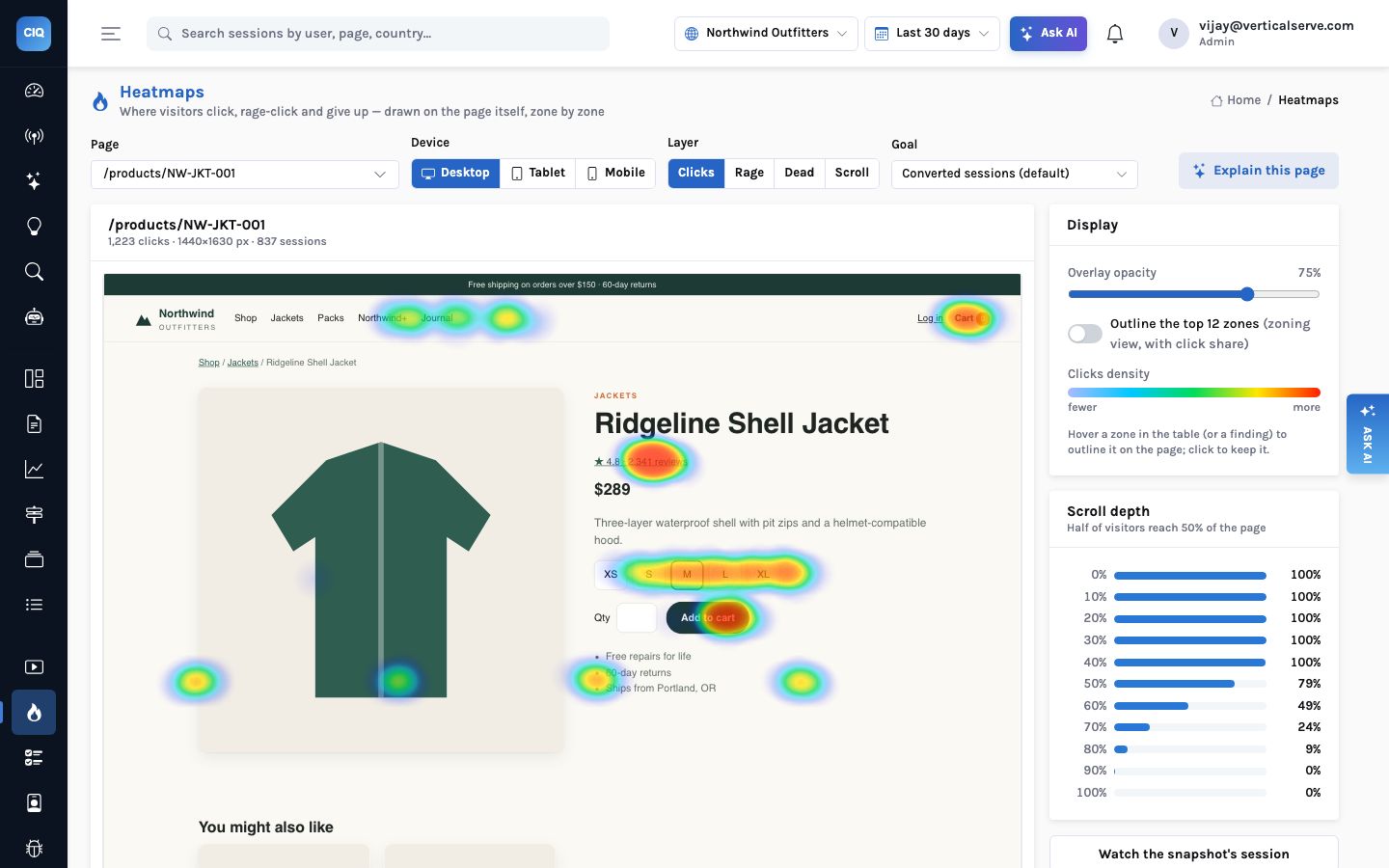
A heatmap shows where people click. It does not tell you whether those clicks helped. Zones turn every element on a page into a row of numbers — click rate, dead and rage clicks, time to first click, how far down the page it sits, and the conversion lift of the people who clicked it — and Explain this page reads that table for you. On Northwind’s cart page, the most-clicked button turned out to be the one costing the most orders.
Read article

AI
Your analytics as tools: connecting Claude and Cursor over MCP
InsightClickIQ is an MCP server. Claude Code, Claude Desktop, Cursor or anything else that speaks the protocol can call the same 37 tools the product’s own agents use — queries, sessions, journeys, zones, forms, errors — under your login and your organization’s walls. One command to connect, a worked session on real data, and exactly what an agent can and cannot reach.
Read article

Agents
Why did conversion drop? Watching an agentic analyst work
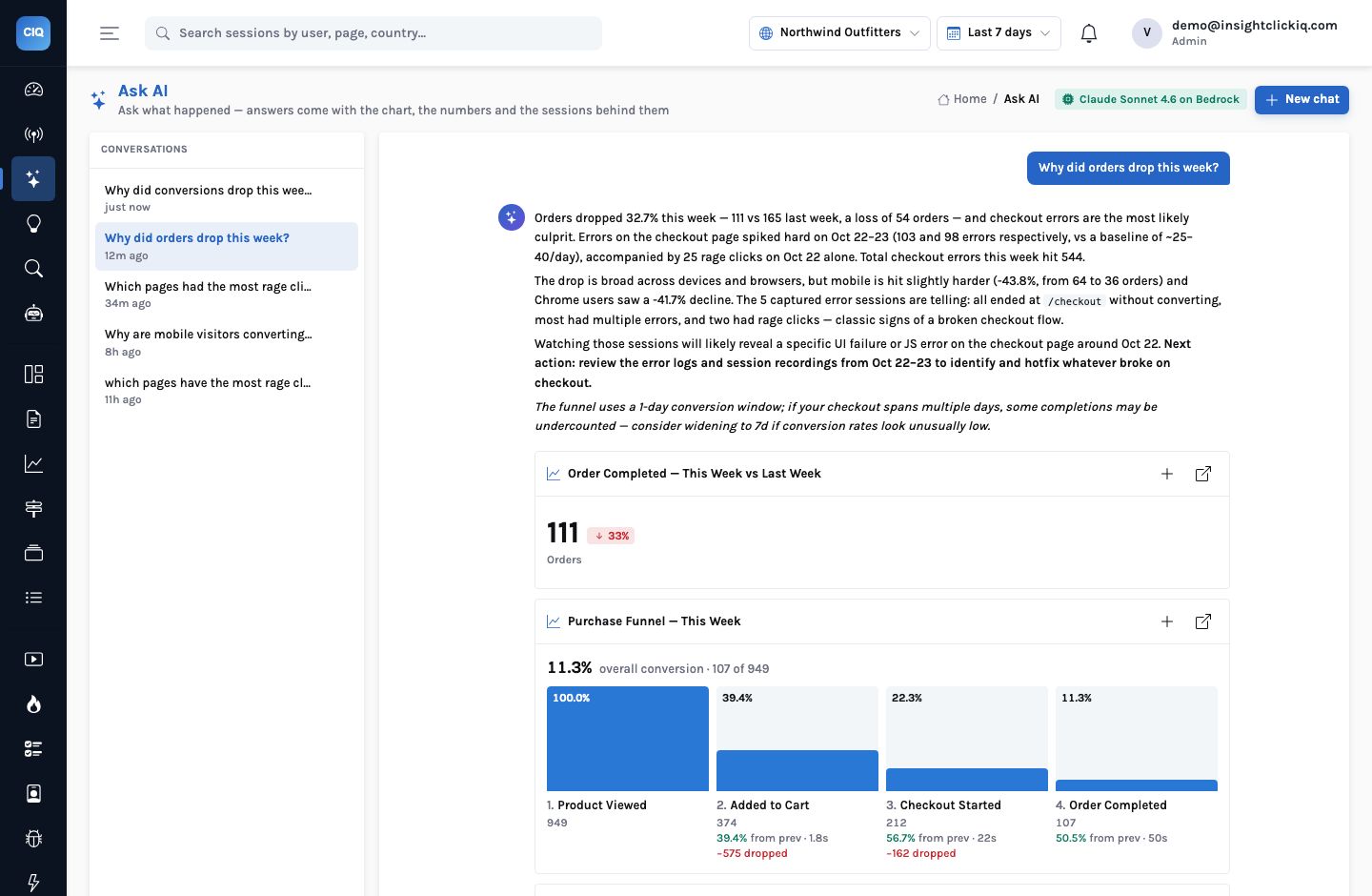
We started the conversion analyst on the Northwind demo store with one API call and no question. Thirty-seven seconds and ten tool calls later it had an answer: orders down a third, a checkout crash doing most of the damage, and what to fix first. Here is every step it took, what each one returned, and the one sentence in its answer the trace lets you push back on.
Read article
AI
What AI-native analytics actually means
Every analytics vendor now has a chat box. The question that separates them is not which model they use but what the model is allowed to touch. Here is the design behind InsightClickIQ’s answers: the model plans queries, it never writes SQL, every number comes from the engine, and the product still answers when no model is configured at all.
Read article
Journeys
The journeys the AI finds: golden paths, loops, detours and drop-offs
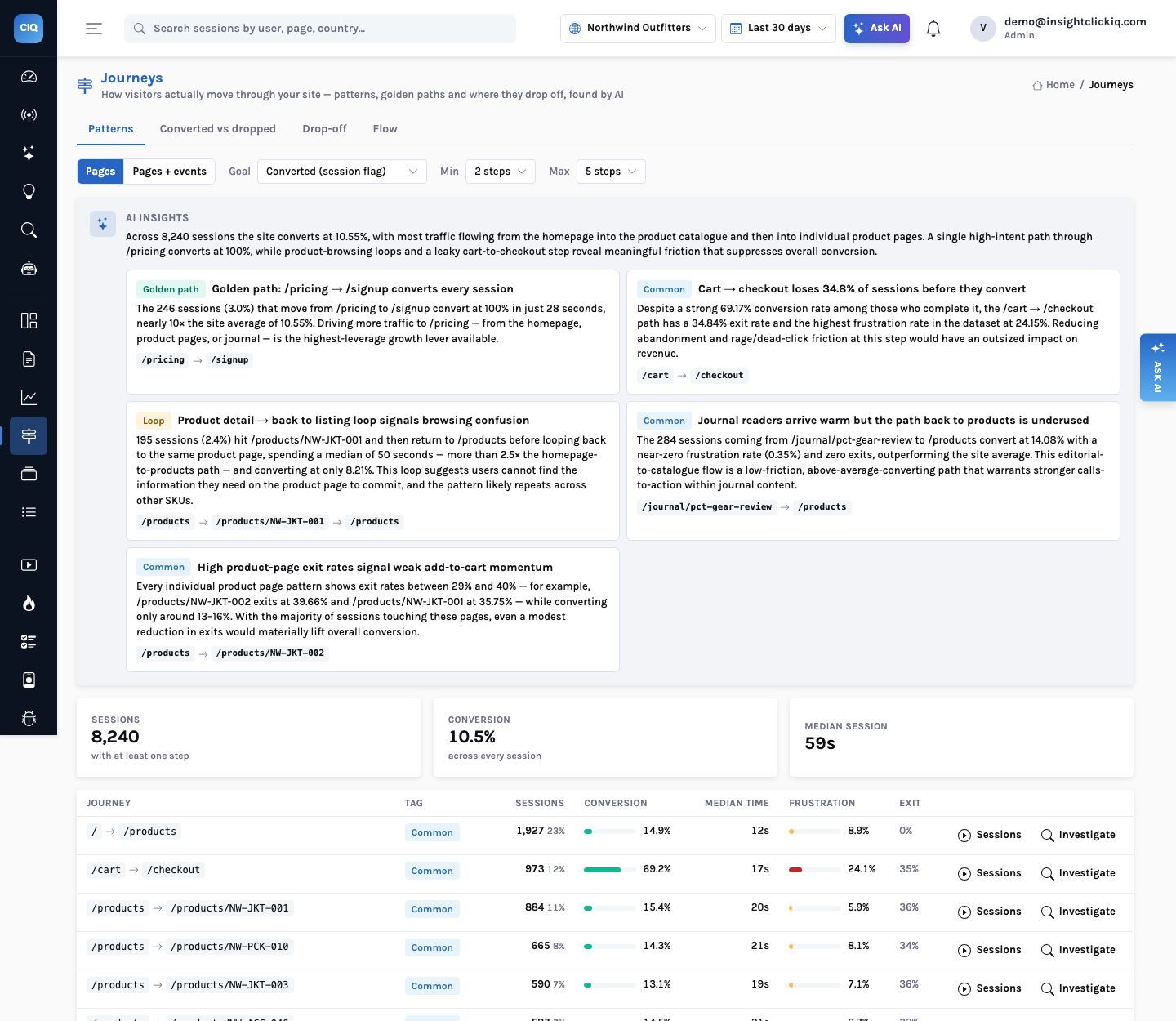
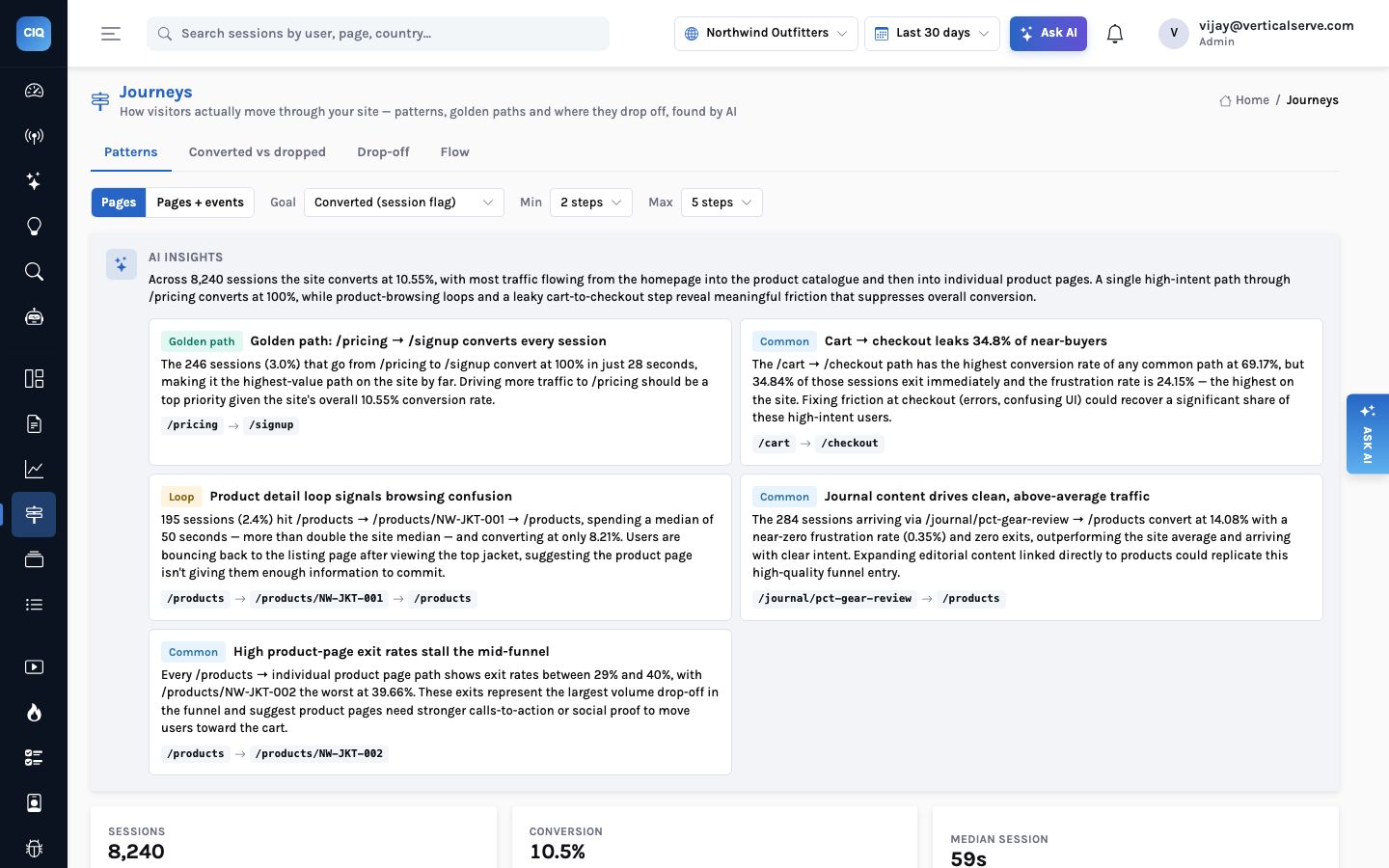
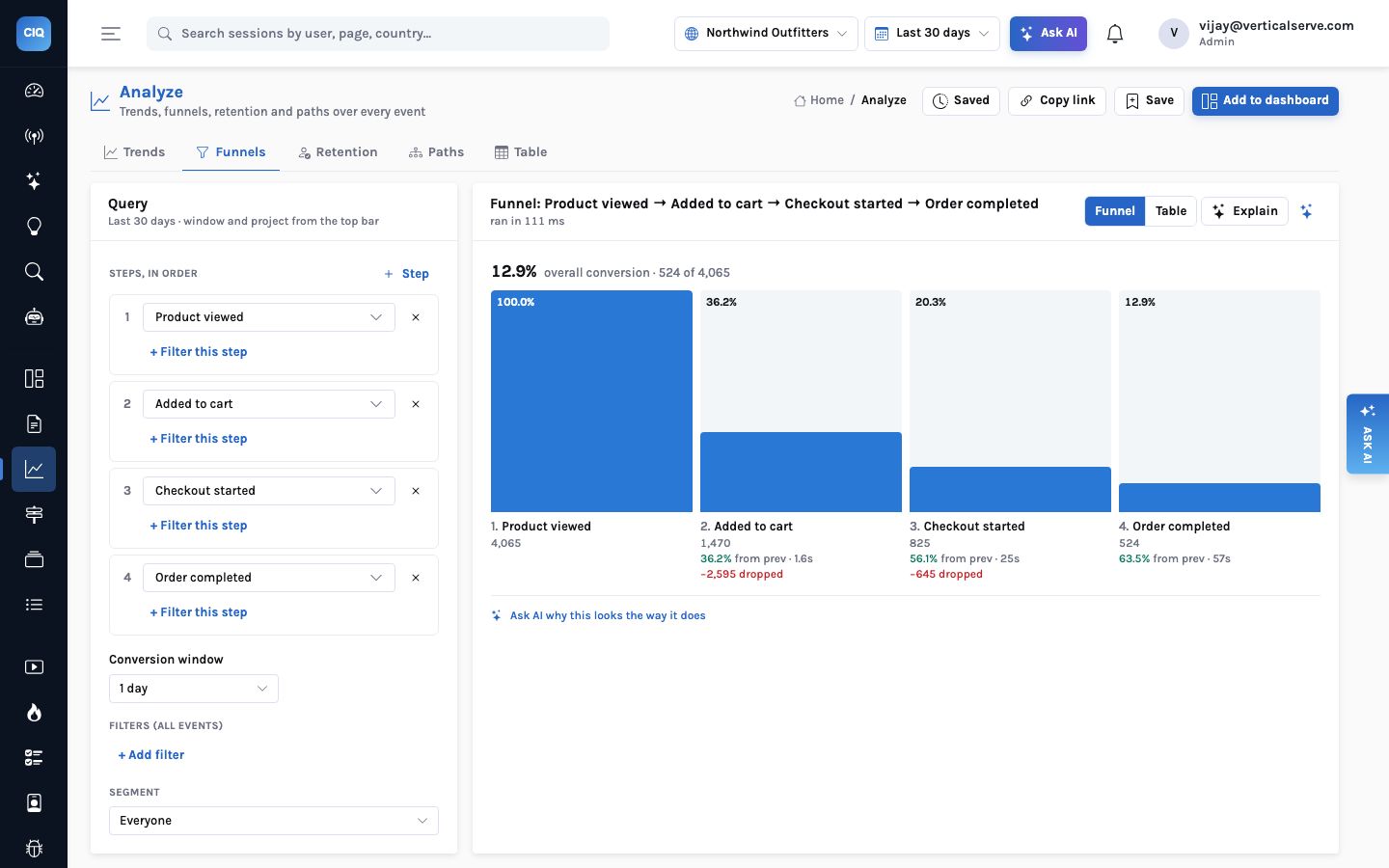
A funnel answers the question you thought to ask. Journeys answer the ones you did not: which paths visitors actually take, which of them convert, which go round in circles, and where people stop. On thirty days of the Northwind demo store that meant a path that converts every time, a product-page loop, a cart page that leaks 287 sessions, and a blog post that both helps and hurts.
Read article
Reports
The executive report that writes itself
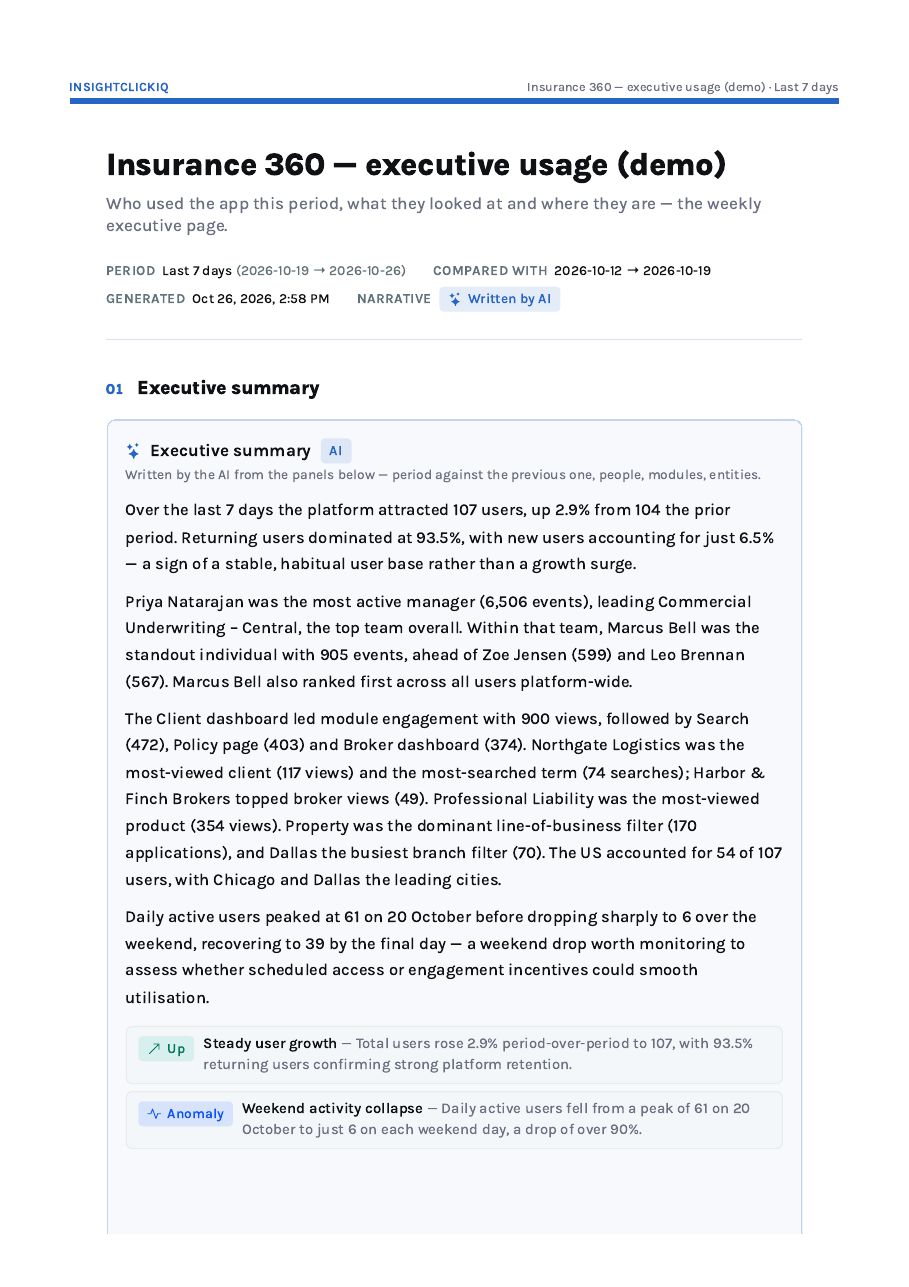
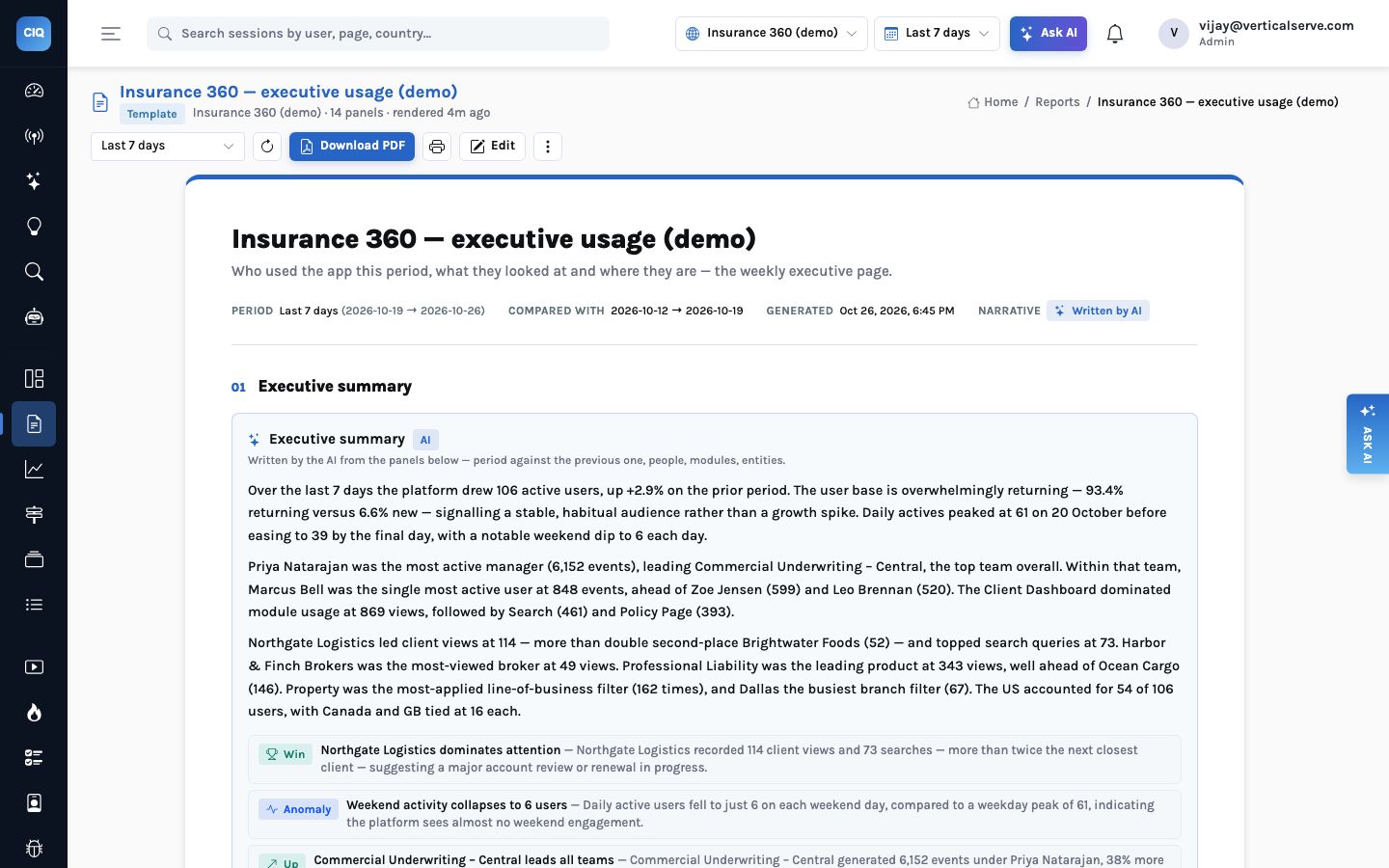
Dashboards are for working; reports are for sending. The Insurance 360 executive usage report is fourteen panels over one date range, with an opening summary the AI writes from the other thirteen panels’ real numbers, printed to an A4 PDF by the server. Here is what it said about last week, how every sentence traces to a chart, and what it takes to produce one for your own app.
Read article
Use cases
The coupon button that did nothing: one ecommerce bug, end to end
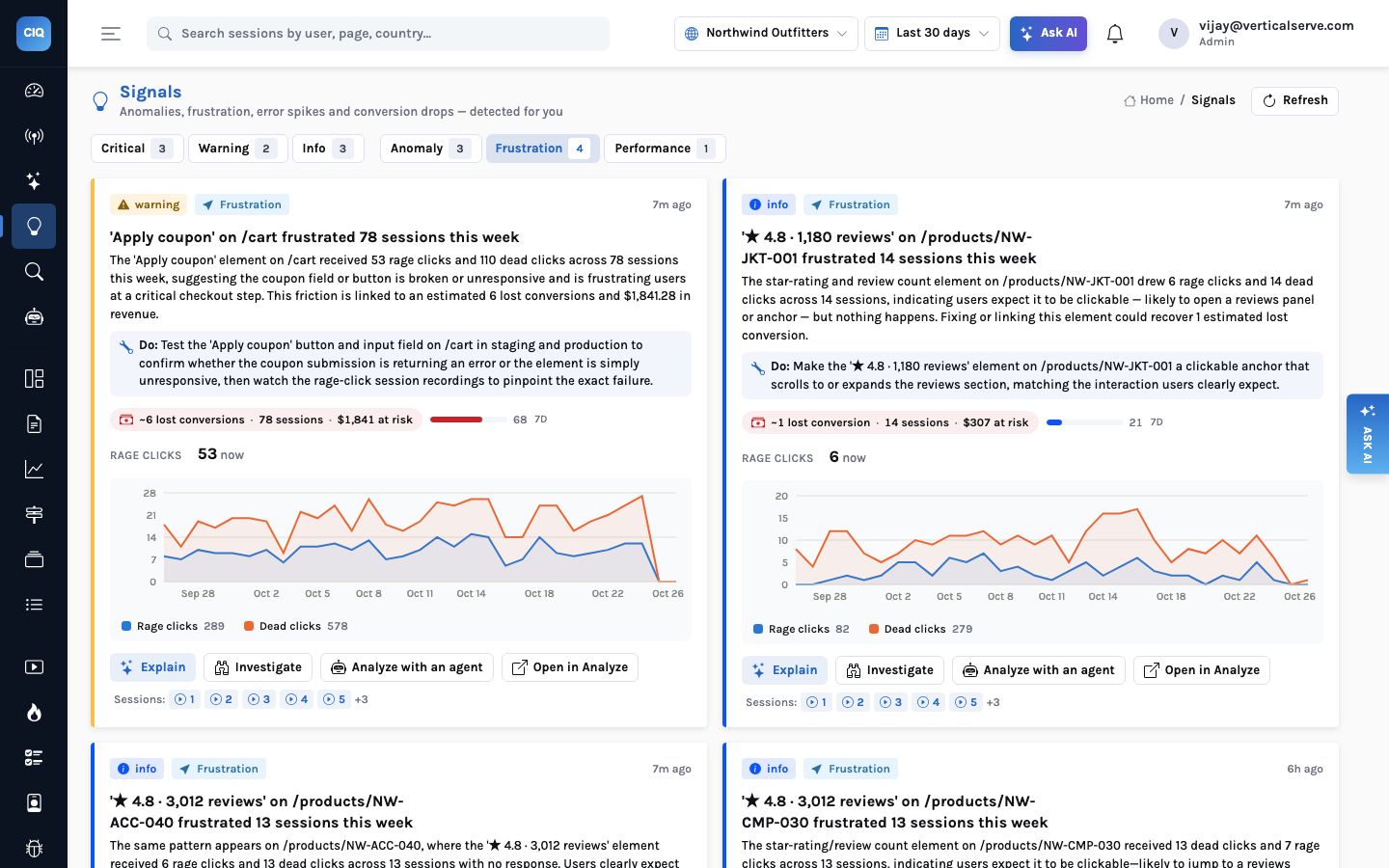
A promo-code button on a cart page looked fine, passed review and quietly ignored every click. Here is how InsightClickIQ found it without being asked, watched the sessions behind it, opened the replay at the eighteenth second, measured it across a month of traffic, and what the fix and its verification look like — with the real numbers from the Northwind demo store.
Read article
Signals
Signals with a price tag: what to fix first, and the week explained
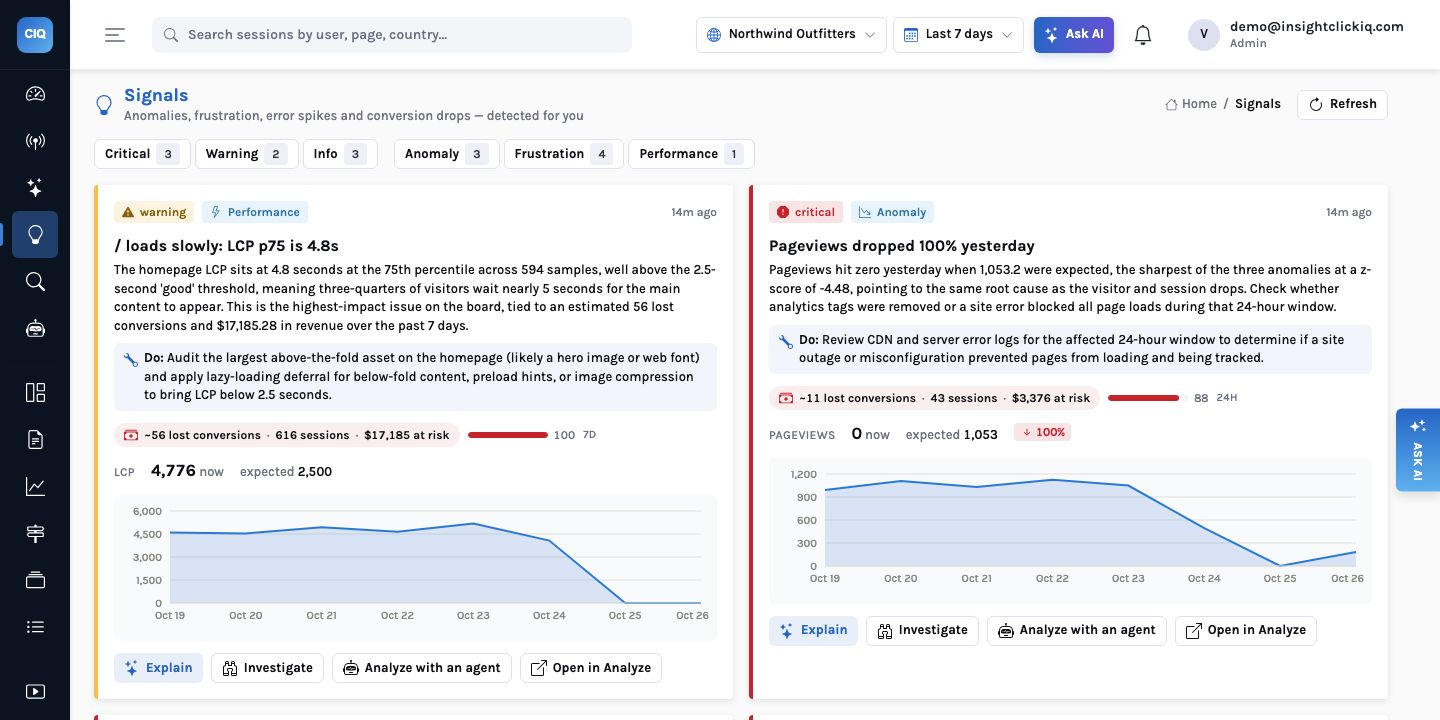
An alert says something changed. A signal in InsightClickIQ also says how many sessions it touched, how many conversions that probably cost, what that is worth, and what to do about it — and the list is sorted by that, not by when it fired. Once a day the same numbers become a short written account of the week. Here is how each figure is computed, using this week on the Northwind demo store.
Read article
AI
Session replay that opens at the second it went wrong
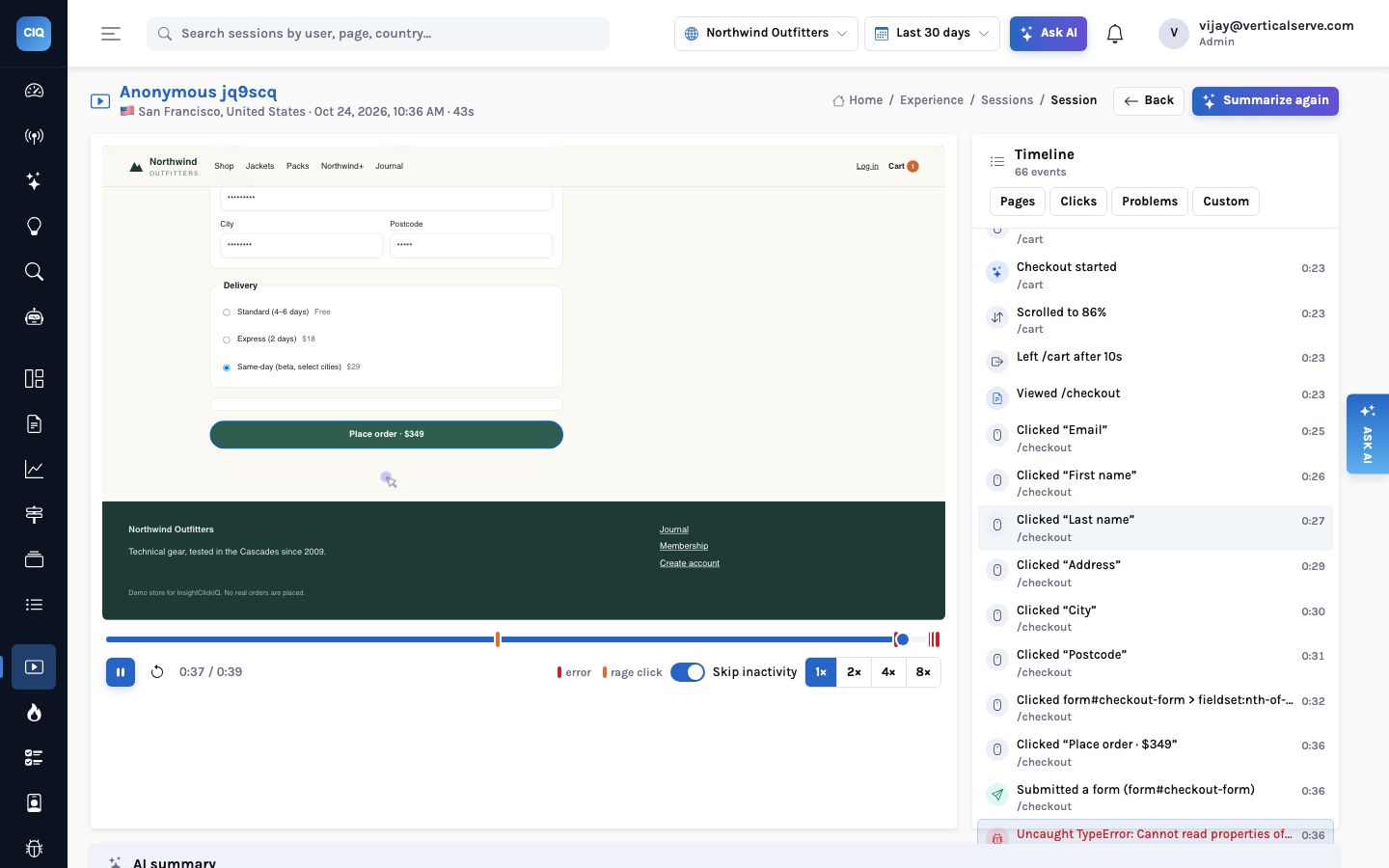
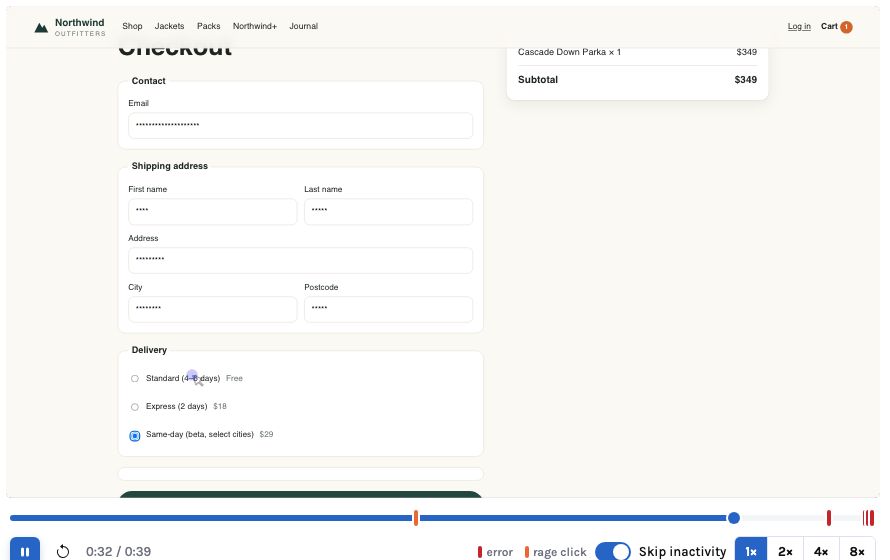
Session replay is the most convincing evidence in digital analytics and the least watched, because finding three seconds of trouble in a five-minute recording costs five minutes. InsightClickIQ writes a summary of every session you open, turns its key moments into buttons that seek the player, and puts the same second-level links into investigations, signals and your agents.
Read article
Trust
Privacy first, by design: what InsightClickIQ never collects
Click analytics and session replay sit closer to your customers than any other tool you run. This is the full list of what InsightClickIQ keeps out by default, what it masks, what it deletes and when, how tenants are kept apart, what the AI is allowed to see — and the gaps you still have to close yourself.
Read article
Use cases
One student, four apps: web and mobile analytics on one contract
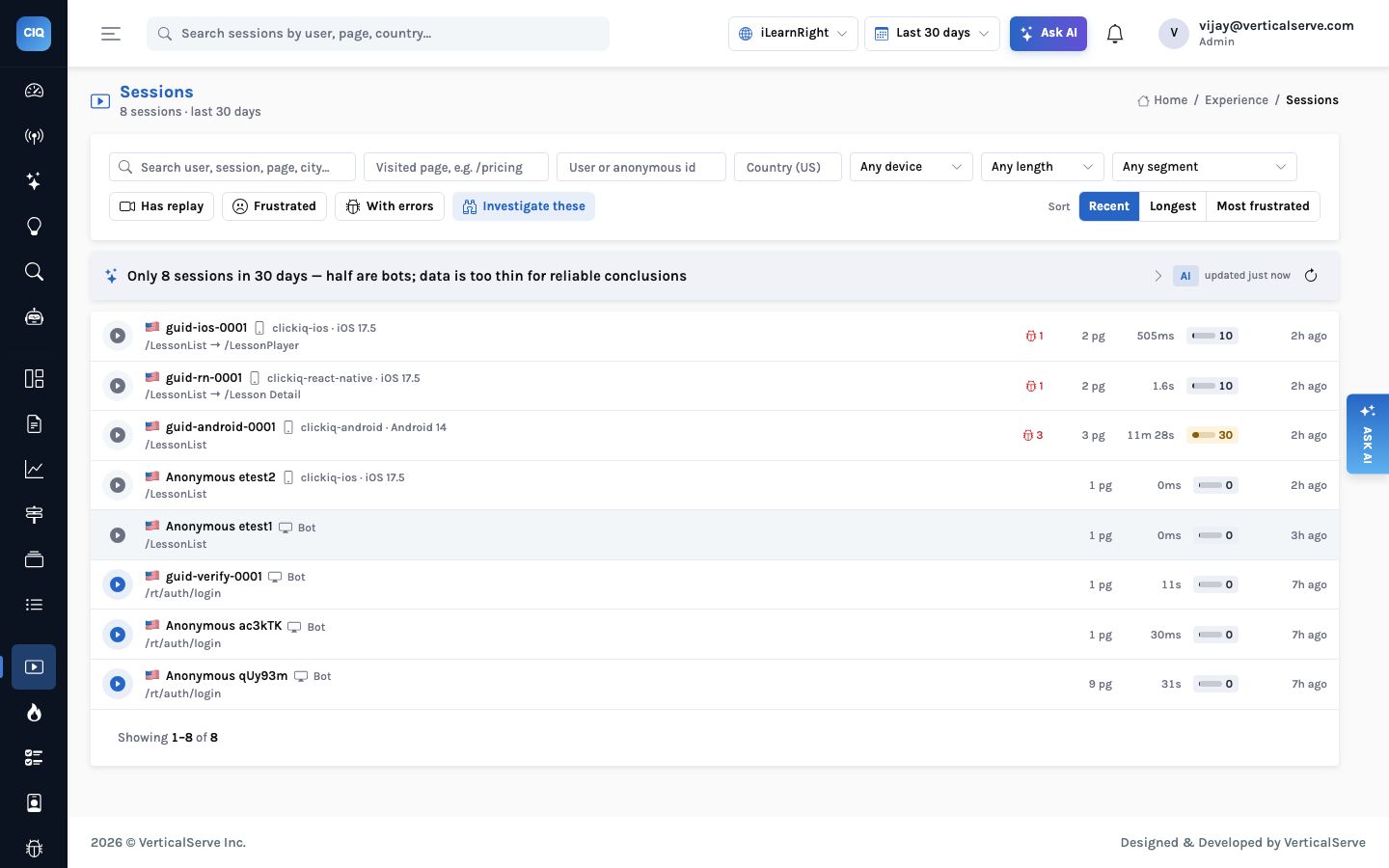
A tutoring business runs a React web app and native apps on iOS and Android. Parents book on the laptop, students practise on the phone. Here is how iLearnRight instruments all of it against one event contract, identifies people by an account id instead of a name, and gets one funnel from sign-up to a booked lesson — and what the first day of data honestly looks like.
Read article
AI
Investigations: the AI watches twenty sessions so you watch one
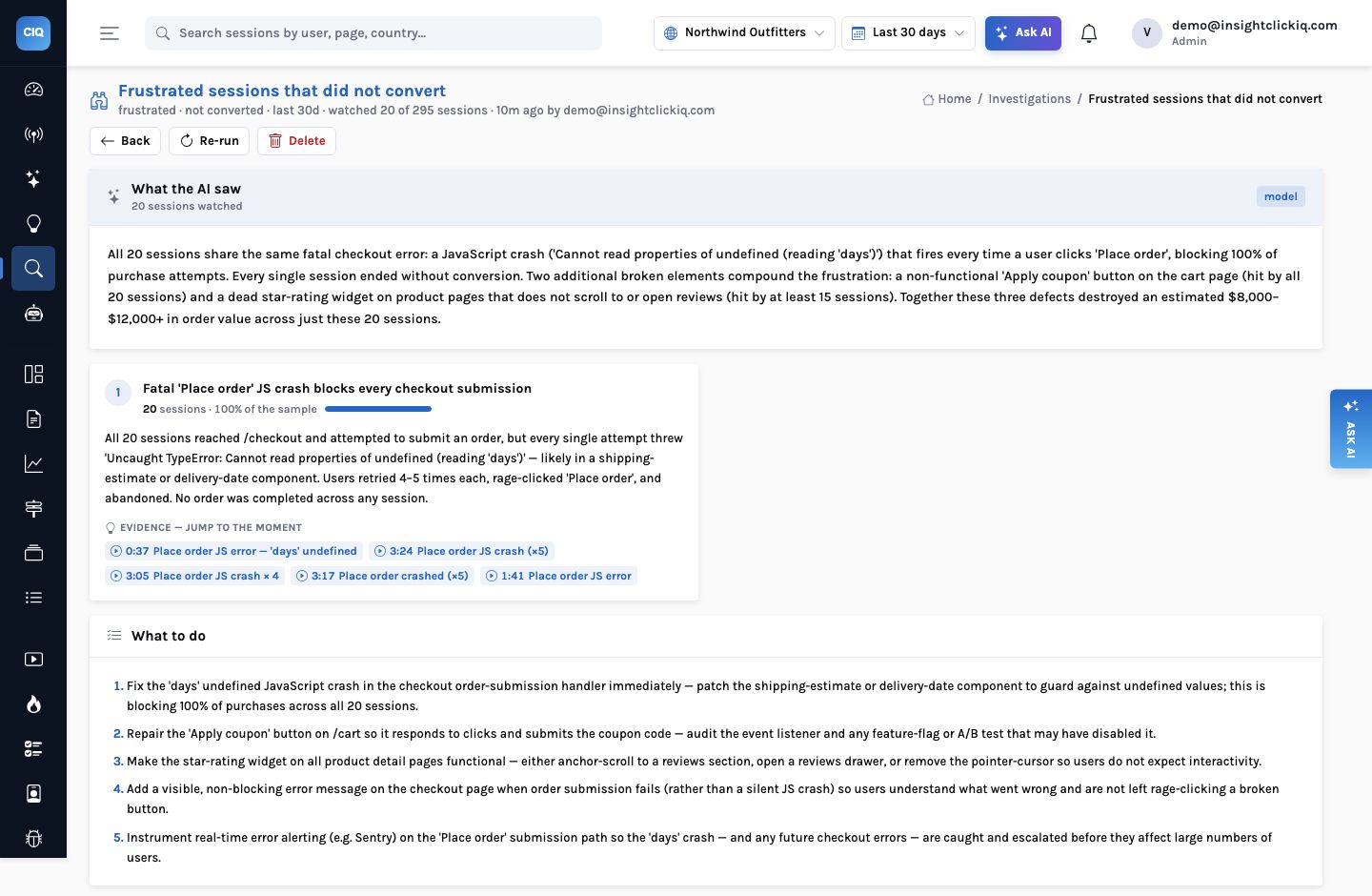
Session replay has always had the same bottleneck: a person has to watch it. An investigation hands that job to the AI — pick sessions by any filter, have each one summarised, group them into themes, and keep only the evidence that points at a real moment in a real replay. We ran one on Northwind’s frustrated, non-converting sessions. It took fourteen seconds.
Read article
Insurance
Instrumenting an insurance client-360 app: modules, filters, teams, logins and geography
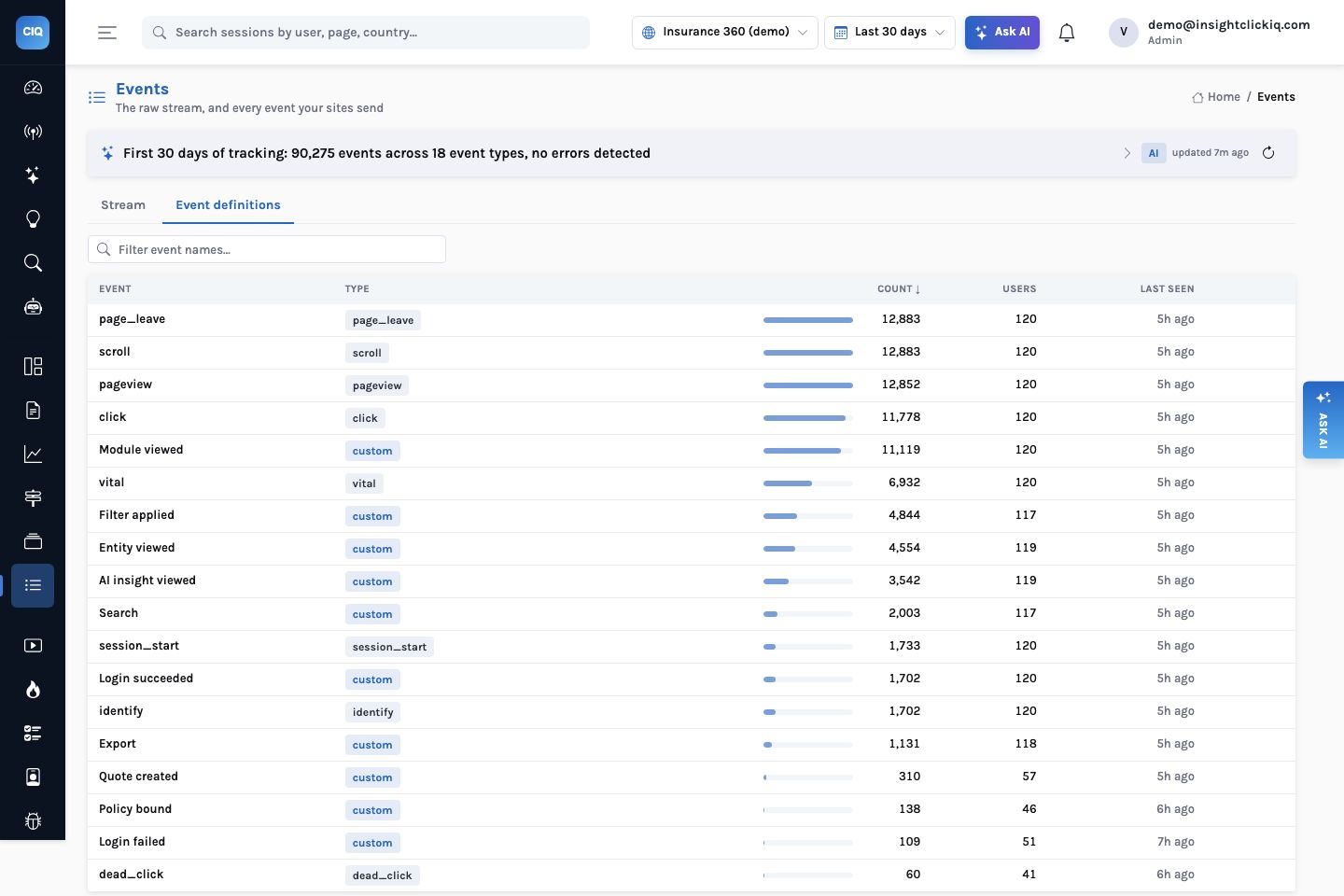
An internal application for underwriters, brokers and claims staff needs different answers from a web shop: which modules people use, which filters they pick, which manager’s team is most active, who keeps failing to log in, and where people sit when everyone connects through one VPN. Here is the event taxonomy, the React and Python code, and what thirty days of it look like in the Insurance 360 demo.
Read article
Stacks
InsightClickIQ on OCI and On-Premises
Oracle Cloud, a private data centre, or a network with no route to the internet. The same container with four references changed: the database, the bucket, the secrets and the model. What you run yourself where there is no managed service, and what the AI does when there is no model at all.
Read article
Stacks
InsightClickIQ on Google Cloud
Cloud Run, Cloud SQL or AlloyDB, Cloud Storage, Secret Manager and Vertex AI. Why the console reads Postgres and not BigQuery, how far AlloyDB stretches the Postgres runway, and the one Cloud Run setting that decides whether the AI keeps watching when nobody is looking.
Read article
Stacks
InsightClickIQ on Azure
Container Apps, PostgreSQL Flexible Server, Blob Storage, Key Vault and Azure OpenAI, held together by one managed identity. How the pieces map, how to keep analytics data in the region it was collected in, and what to do about report PDFs and the large-volume tier.
Read article
Stacks
InsightClickIQ on AWS
One container, a managed Postgres, an S3 bucket, Secrets Manager and Bedrock. What each piece holds, how big it gets at your traffic, when ClickHouse Cloud earns its place, and the settings that keep click analytics fast without a data team running it.
Read article
Architecture
From Postgres to ClickHouse without changing a query
Click analytics has one table that grows without limit. InsightClickIQ keeps it in Postgres — partitioned by month, with retention and a read replica — until the volume says otherwise, and then moves it to ClickHouse by configuration. How the switch works, what stays on Postgres, and a side-by-side run of the same queries on both engines with the numbers we measured.
Read article
Forms
Forms: where people give up, field by field, without reading a value
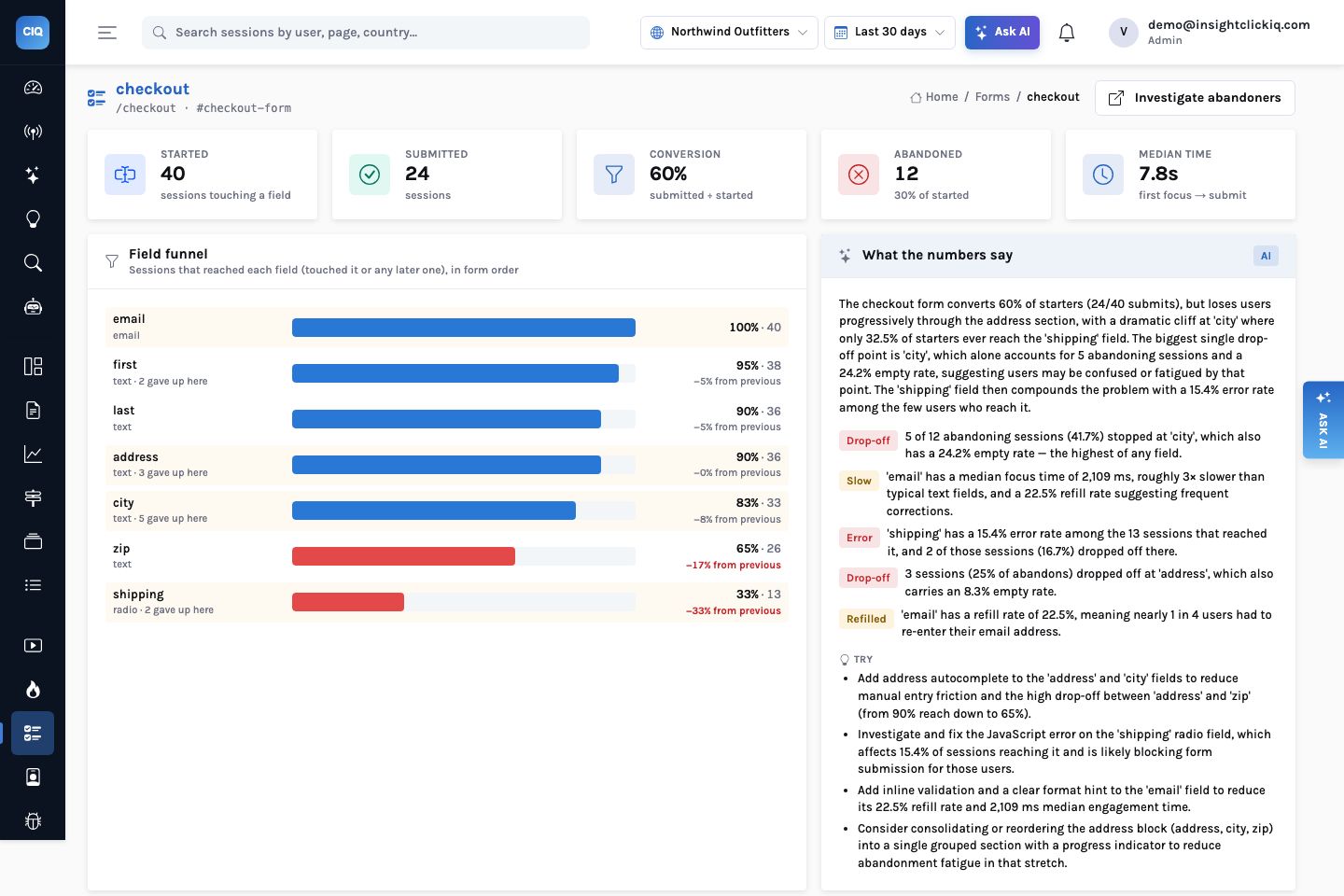
A checkout form converts or it does not, and the overall rate hides where it goes wrong. Field-level analytics shows which field people stop at, which one they retype, which one they leave empty and which one is followed by an error — and it can do all of that without a single typed character leaving the browser. Here is Northwind’s checkout form, read field by field.
Read article
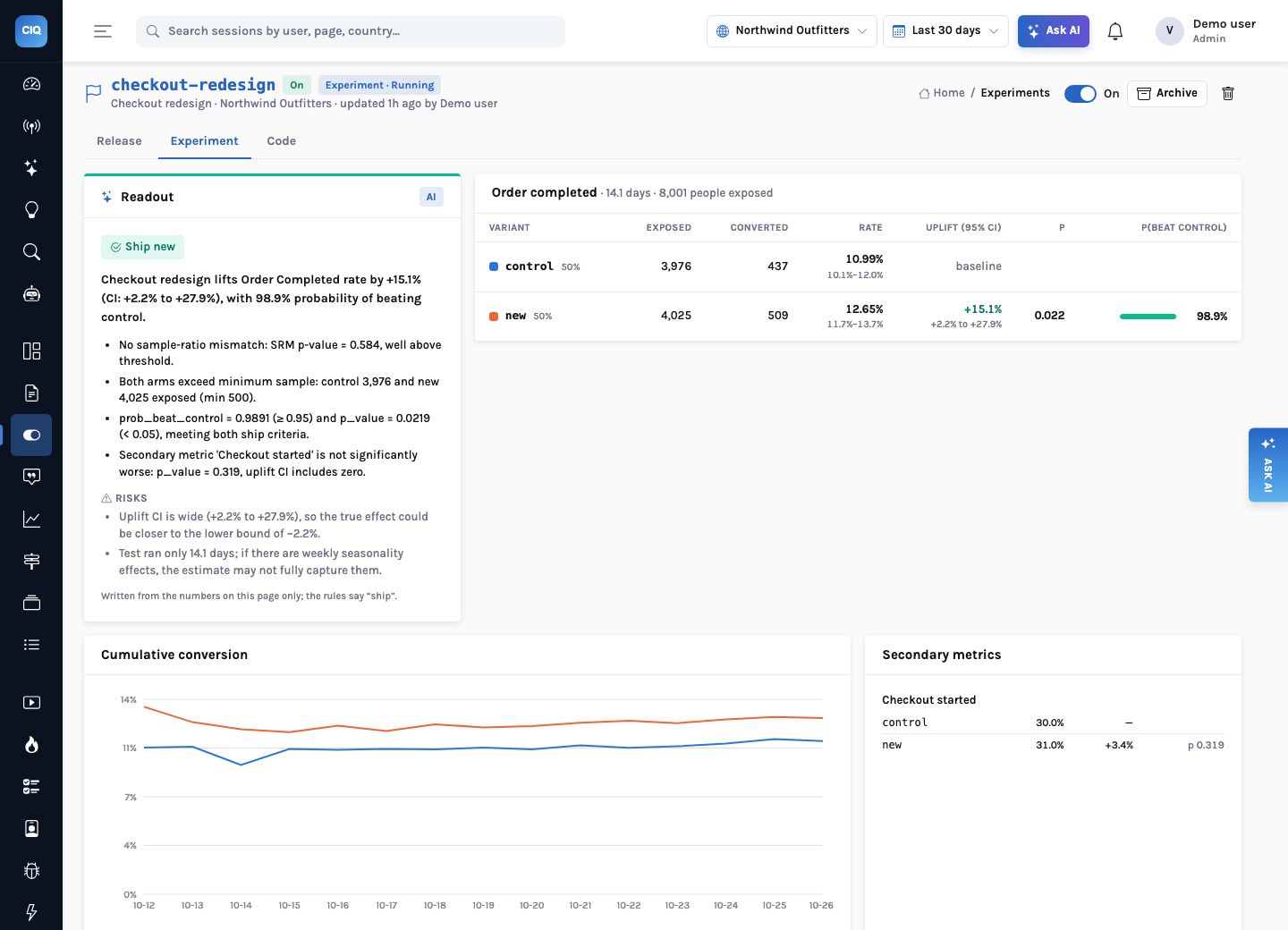
AI
Experiments, surveys and native replay — the AI-first way
Flags and A/B tests, in-product surveys, replay for native apps and analytics for your own AI agents are now part of InsightClickIQ. None of them is new as a category. What is worth explaining is how each one is built so that the AI does the reading, the engine does the arithmetic, and every sentence links to the evidence behind it.
Read article
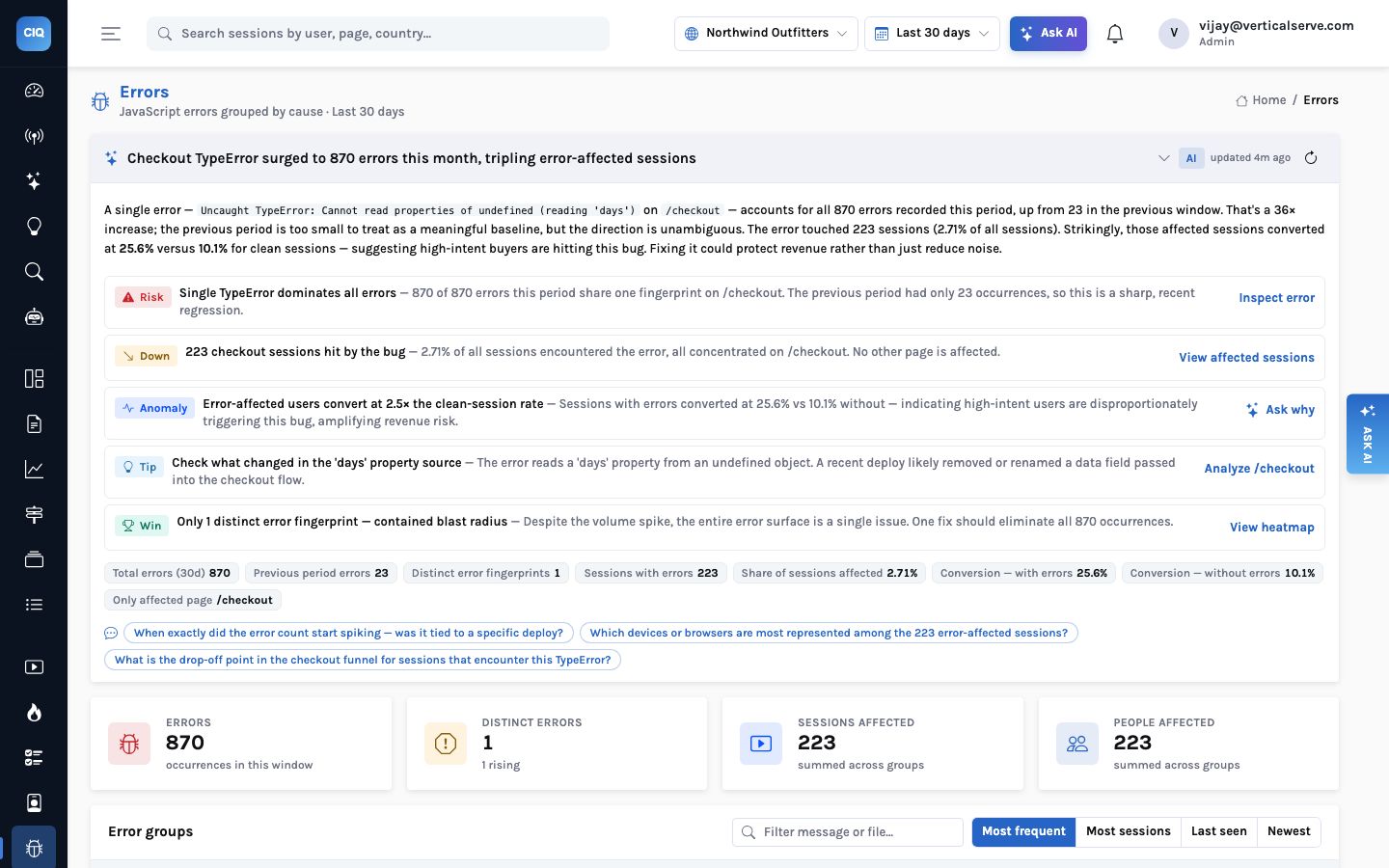
AI
An AI reading on every screen, not a chat box in one tab
Most analytics products added AI as a place you go: a chat panel, an assistant tab. InsightClickIQ puts a short, checked reading of the numbers at the top of every screen and an Explain button on every chart. How it works — facts computed first, the model second, rules when the model is not there — and why the seconds it takes matter as much as the words.
Read article