
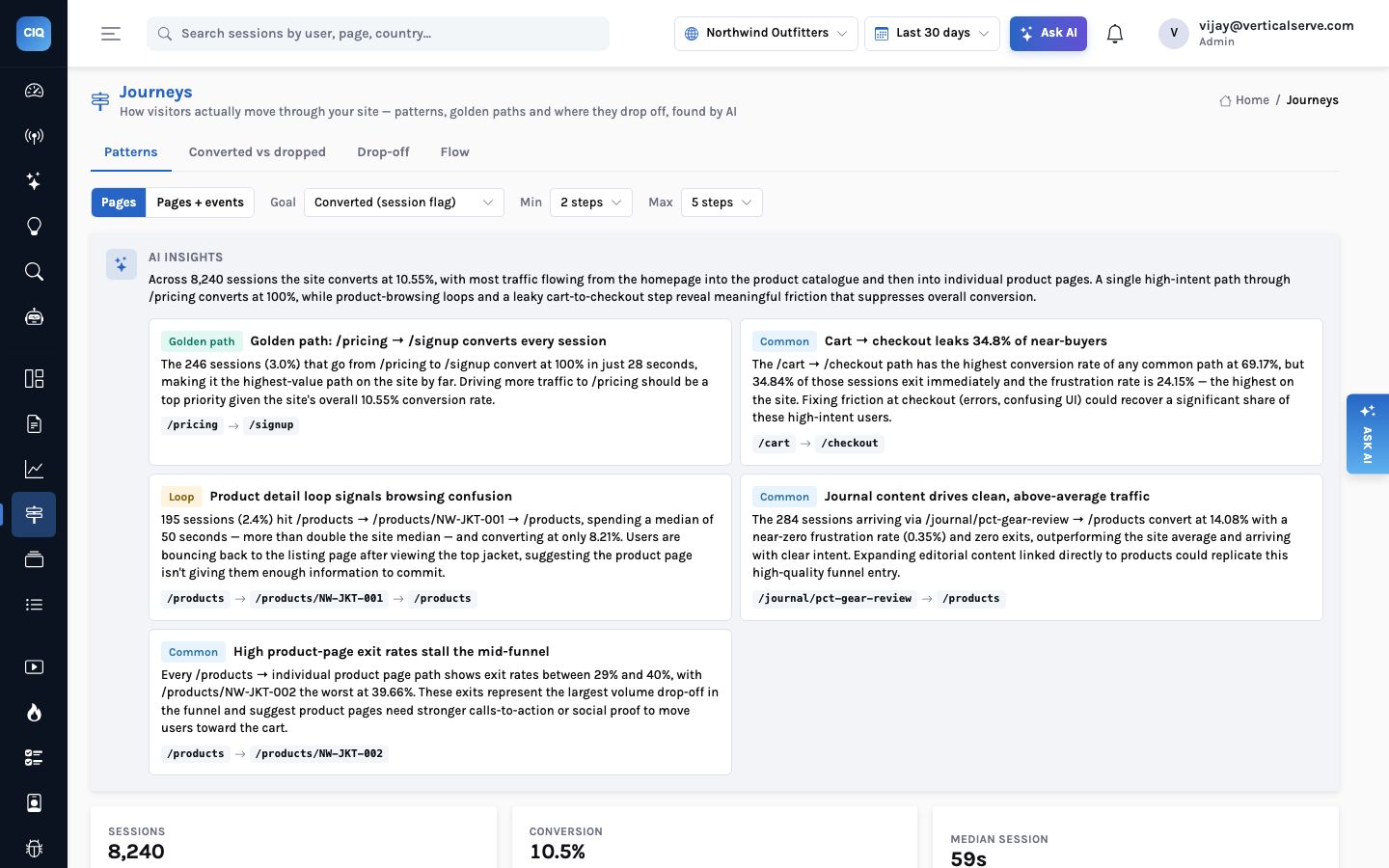
Teams on Google Cloud usually ask the same first question: our data is in BigQuery, so why would click analytics keep its own database? The answer is latency. A single console screen in InsightClickIQ runs a handful of queries, an insight strip and often a journey or zone analysis, and people click through screens the way they browse a site. That workload wants a database that answers in tenths of a second, which is Postgres at small and mid scale and ClickHouse at large scale. BigQuery is where the data should go to be joined with everything else, and the post comes back to that at the end.
The shape
| Piece | On Google Cloud | Configuration |
|---|---|---|
| The API | Cloud Run (or GKE). Image built with INSIGHT_PLATFORM=gcp; the platform library also recognises Cloud Run from K_SERVICE. | Minimum instances 1, CPU always allocated — see below. Health check /api/health. |
| The database | Cloud SQL for PostgreSQL at small and mid scale; AlloyDB when you want the longest Postgres-only runway. | INSIGHT_DATABASE_URL on a private IP, password via INSIGHT_DATABASE_SECRET=gcp-sm://projects/…/secrets/…, TLS required. |
| Console reads | A Cloud SQL read replica or an AlloyDB read pool. | CLICKIQ_READ_DATABASE_URL. Unset, reads go to the primary. |
| Object store | A Cloud Storage bucket. | CLICKIQ_REPLAY_STORE=gs://bucket/clickiq, application default credentials. |
| The model | Vertex AI. | INSIGHT_LLM_PROVIDER=vertex, INSIGHT_GCP_PROJECT, INSIGHT_GCP_LOCATION (default us-central1), INSIGHT_CHAT_MODEL (default gemini-2.5-pro). |
| Large tier | ClickHouse Cloud on GCP, or self-managed on GKE. | CLICKIQ_EVENT_STORE=clickhouse; only event moves. |
The service account is the only principal: application default credentials cover Cloud Storage, Secret Manager and Vertex, so nothing in the service's environment is a key.
The Cloud Run setting that matters
Cloud Run's defaults are built for request-driven services: CPU is allocated only while a request is being handled, and an idle service scales to zero. InsightClickIQ is mostly request-driven, but not entirely. The API process also runs the background loop that makes the product feel watched over rather than queried.
| Background round | How often | What stops if it does not run |
|---|---|---|
| Alerts | every minute | Threshold alerts are not evaluated; nobody is notified. |
| Signals | every 30 minutes | Anomalies, frustration hot spots, error spikes and slow pages are not detected, and their impact estimates go stale. |
| Digests | daily | The Overview's “This week, explained” is written on first read instead of waiting there. |
| Scheduled agent runs | hourly check | Daily and weekly playbooks (weekly review, install health) never start. |
| Partitions | daily | Future monthly partitions of the event table are not created ahead of time. |
| Retention | daily at 03:00 local | Expired events, sessions, people and replay objects are not removed. |
Ingest and the console work, so the deployment looks healthy. But between requests the process has no CPU, and with no traffic it has no process at all. Signals stop appearing and retention silently stops running.
One instance always has CPU for the background loop. With several instances, each round takes a Postgres advisory lock, so one instance does the work and the rest skip it. No separate worker service.
Cloud SQL or AlloyDB
Both run the same schema, the same row-level security and the same monthly partitions, and the product does not care which you pick. The difference is how long Postgres alone carries you. The storage review's guidance is that Postgres with partitions works up to about 100 million events a month, after which 30-day scans of the event table make the console slow. AlloyDB's columnar engine accelerates exactly those scans, which is why we describe it as the longest Postgres-only runway of any cloud. We have not benchmarked AlloyDB ourselves, so treat the extra headroom as something to measure on your data rather than a number.
| Traffic | Events a month | 13 months | Google Cloud shape |
|---|---|---|---|
| Pilot, internal app, small site | 0.1–2 M | 1–25 GB | Cloud SQL db-custom-2-8192 (2 vCPU, 8 GB) or AlloyDB 2 vCPU |
| Mid-size product or store | 2–30 M | 25–350 GB | Cloud SQL or AlloyDB at 4–8 vCPU / 32 GB, a read replica or read pool |
| Large, many tenants | 30–300 M | 0.3–3.5 TB | AlloyDB, measured; then ClickHouse Cloud on GCP for events |
| Very large | > 300 M | multi-TB | ClickHouse for events; Postgres for sessions, people, content |
Those volumes come from a measured footprint: about 0.9 KB per event with indexes (271,000 events took 246 MB). The running demo, after partitioning and an index diet, stores its October partition — 228,798 events — in 167 MB.
Where the time goes, and why it decides the tier
Most console queries on the demo's 271,000 events take 0.1–0.5 seconds; the 30-day overview 1.2 seconds; a person-trait breakdown 1.3 seconds; forms about 8 seconds; journeys 6–12. These grow roughly linearly with the rows in the selected window. That is the useful way to think about sizing on any cloud: not total storage, but how many rows a 30-day screen has to scan.
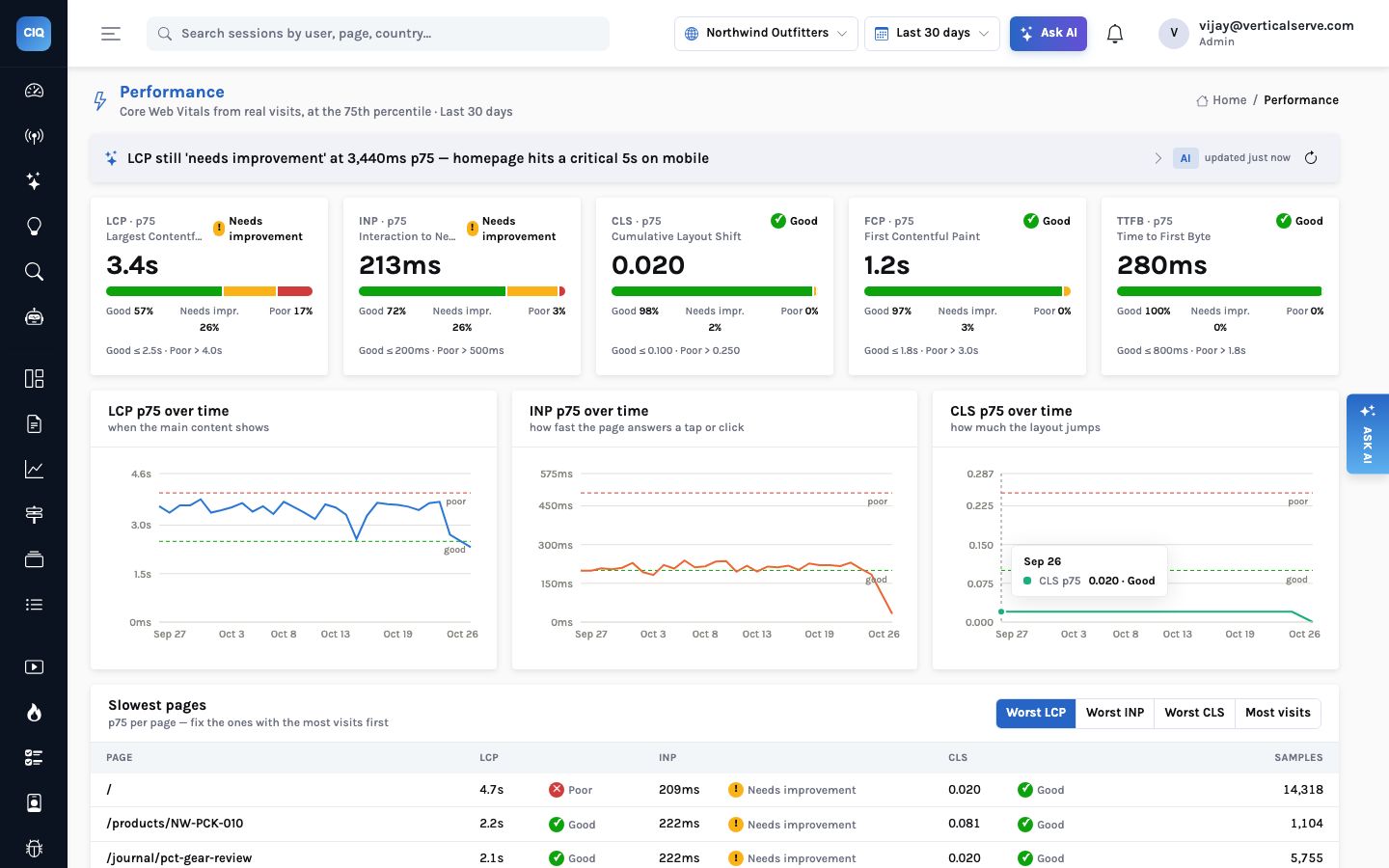
percentile_cont on Postgres and a quantileExactInclusive on ClickHouse; both interpolate, so the number does not change when the engine does.Cloud Storage for replays and PDFs
Replay bodies are gzipped rrweb chunks, about 50–300 KB per recorded session, and they
are the largest bytes the product writes. They go to the bucket named in
CLICKIQ_REPLAY_STORE; Postgres keeps an index row per chunk. A lifecycle rule
that moves objects to Nearline after 30 days and Coldline after 90 matches how replays are
used: watched within days of a signal or an investigation, rarely after. The retention round
deletes them, and tolerates objects that are already gone, when the project's window ends or
a person is erased.
Report snapshots store their PDF in the same store. Server-side PDFs need headless Chromium in the image, which the stock image does not include; without it the endpoint answers 501 and the console prints from the browser instead.
Vertex AI, and the rules path
The model plans validated query specifications against the project's real event names and
writes the words around results the engine computed; it never writes SQL and never sees raw
events. With Vertex that is gemini-2.5-pro unless you name another model. If
Vertex is unavailable or not yet approved, set CLICKIQ_AI=false: insight strips,
signals, the digest, investigations and the agent playbooks answer from their rules paths,
labelled “Rules” in the console.
Country without Cloudflare
The ingest service reads the visitor's country from edge headers when they are present
(CF-IPCountry, CloudFront's viewer headers, X-AppEngine-Country,
or a plain X-Country), then from a MaxMind database if
CLICKIQ_GEOIP_DB names one, and last from the browser's time zone. On a Google
Cloud HTTPS load balancer, a custom request header such as X-Country:
{client_region} gives you country-level accuracy without shipping a GeoIP file. The
client IP is used for that lookup only; it is not stored on the event.
BigQuery: the right place for joins
The case for BigQuery is real: you want click behaviour next to ad spend, CRM stages and revenue, and that join belongs in the warehouse. It is the wrong engine for the console itself — slower per query than an interactive workload wants, and it would need a dialect of its own in the query module, which we have chosen not to build.
Getting the data into BigQuery
The warehouse export (console Exports) copies events, sessions and people hourly or daily as Parquet to gs://bucket/prefix, partitioned by date, and GET /api/exports/schema returns the BigQuery DDL for a hive-partitioned external table: no product-side dialect. Aggregates also come out through the query API (POST /api/query) or the MCP server's run_query tool, both of which return the same validated results the console shows.
On Google Cloud, Postgres answers the console and BigQuery answers the business. Keeping those jobs apart is what keeps both fast.
Checklist
- Cloud Run: minimum instances 1, CPU always allocated, ingress through the load balancer, a service account with Storage Object Admin on one bucket, Secret Manager Secret Accessor on the named secrets, and Vertex AI User.
- Cloud SQL or AlloyDB on a private IP, TLS required, automated backups with point-in-time recovery, a restore tested quarterly.
- An ordinary application role (
NOSUPERUSER NOBYPASSRLS) withstatement_timeout = 30sandwork_mem = 64MB, so row-level security binds and a heavy screen cannot hold a connection for minutes. - Residency by deployment: one database and one bucket per region, never a database shared across regions.


