
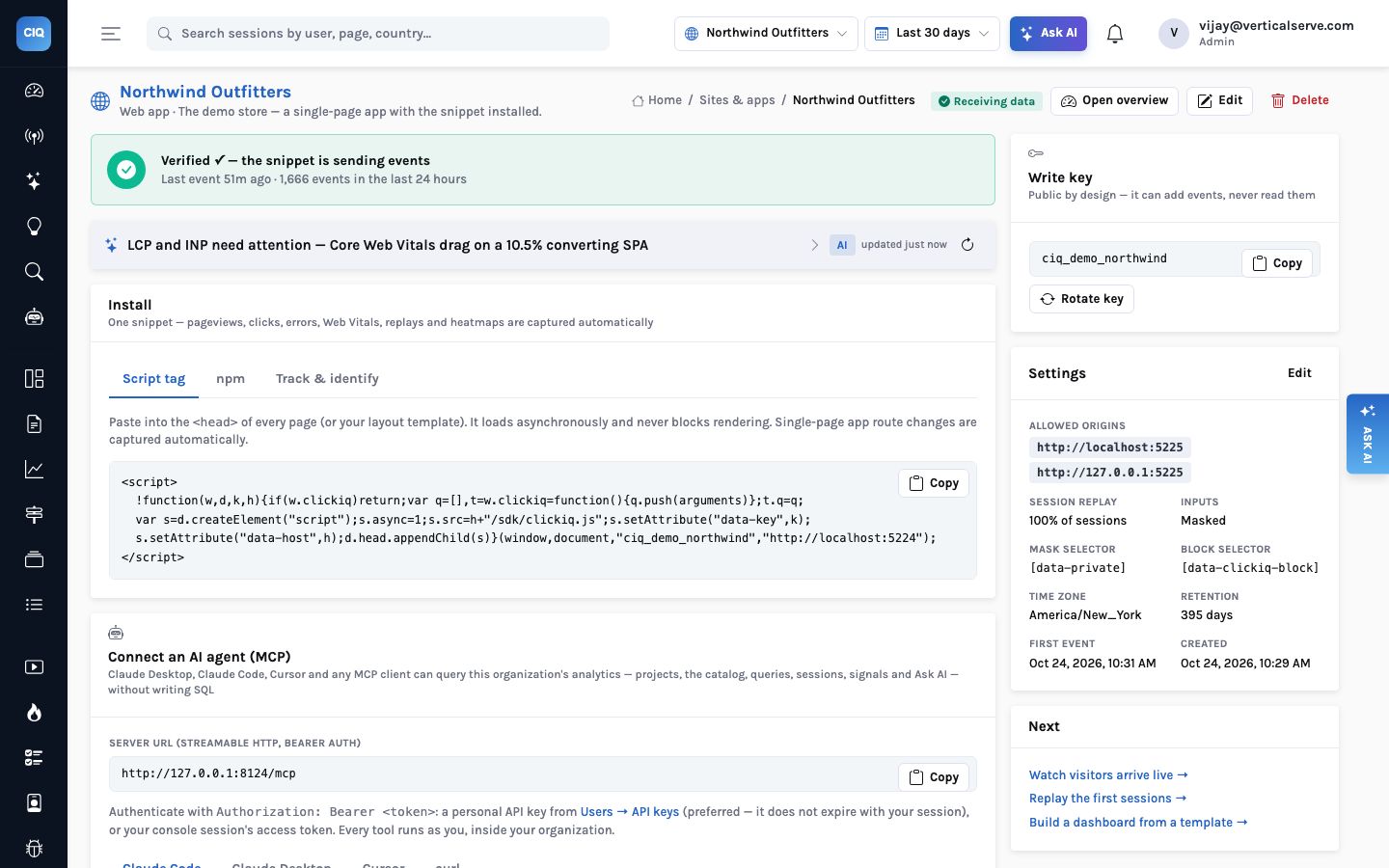
Click analytics has a reputation for needing a big data platform: a stream processor, a columnar warehouse, a queue, a team to keep them talking. InsightClickIQ on AWS is one API container, one Postgres database and one S3 bucket. The AI comes from Bedrock, and the secrets live in Secrets Manager. That is the whole deployment until your traffic is very large, and the point at which it stops being enough is measurable in advance.
This post walks through the AWS shape piece by piece, with the sizes we measured on the running product rather than guesses, and the two settings that matter most when the first real traffic arrives.
What runs where
The API is a single image. The Dockerfile takes a build argument,
INSIGHT_PLATFORM=aws, which pulls in the AWS extras of the shared platform
library (boto3 for S3, Secrets Manager and Bedrock) and nothing for other clouds. The same
container also serves the browser SDK at /sdk/clickiq.js, so the deployment
that receives events is the one that hands out the script. There is no separate CDN
origin for the snippet to drift out of step with.
| Piece | On AWS | What it holds |
|---|---|---|
| The API | ECS Fargate (or EKS), behind an ALB, optionally with CloudFront in front. One process per task by default (WEB_CONCURRENCY=1), non-root, health check on /api/health. | Ingest, the query engine, sessions and replay, heatmaps, every AI feature, and the background rounds: alerts each minute, signals every 30 minutes, partitions and retention daily. |
| The database | RDS for PostgreSQL at the small and mid tiers, Aurora PostgreSQL when you want I/O-optimised storage and several readers. RDS Proxy as the pooler. | The clickiq schema: events in monthly partitions, sessions, people, dashboards, reports, segments, signals, investigations and the AI caches, all under row-level security. |
| Read replica | An RDS read replica or an Aurora reader, named in CLICKIQ_READ_DATABASE_URL. | Nothing of its own. Console reads (queries, overview, journeys, heatmaps, forms, errors, performance, events) go there so they stop competing with ingest. |
| Object store | An S3 bucket: CLICKIQ_REPLAY_STORE=s3://bucket/clickiq-replays. | Gzipped rrweb replay chunks, typically 50–300 KB per recorded session, and report PDFs. Never in Postgres. |
| Secrets | Secrets Manager, read by reference: INSIGHT_DATABASE_SECRET=aws-sm://…#password. | The database password, the ClickHouse password if you add it, the token signing keys. Resolved values are cached for five minutes, so a request never waits on a lookup. |
| The model | Amazon Bedrock. The default is Claude; the console's Ask page names the model it is using. | Nothing. The model reads compact results the engine has already computed and writes the words. It never writes SQL. |
The task role is the security model
The URL in INSIGHT_DATABASE_URL carries no password, and the configuration
holds no access keys. The platform library refuses to treat a secret value as configuration:
if INSIGHT_DATABASE_PASSWORD is set, GET /api/health/config reports
a warning saying secrets belong in the platform's store. On Fargate, S3, Secrets Manager and
Bedrock are all reached through the task role, so nothing long-lived sits in the task
definition, the image or the database.
What to grant the task role
Read and write on the replay prefix of one bucket. GetSecretValue on the named secrets. InvokeModel on the Bedrock model you chose. That is the list: the API never lists buckets, never touches IAM, and does not need internet egress beyond the AWS endpoints, which VPC endpoints can serve.
The rest of the security story is inside the database. The application connects as an
ordinary role, clickiq_app, created NOSUPERUSER NOBYPASSRLS so
row-level security actually binds it. Every product table carries an
organization column and a policy on it; routes scope every query as well, so
RLS is the second line rather than the only one. Keep the API role away from
rds_superuser, which bypasses nothing by itself but invites someone to grant
more later.
How big Postgres gets
Only one table grows quickly: event. Everything else in the schema is either
one row per session (one for roughly every 25–50 events), one row per visitor, or console
content that stays small. The storage review measured the event table at about 0.9 KB per
event including its indexes: 271,000 events took 246 MB. After the monthly partitioning
migration and the index diet that came with it, the running demo is lighter: the October
partition holds 228,798 events in 167 MB, about 0.73 KB each. We size with the 0.9 KB figure
to leave room.
| Traffic | Events a month | Postgres for 13 months | AWS shape |
|---|---|---|---|
| Internal app, pilot, small site | 0.1–2 M | 1–25 GB | RDS db.t4g.medium or db.m7g.large (2 vCPU, 8 GB), 100 GB gp3 |
| Mid-size product or store | 2–30 M | 25–350 GB | RDS or Aurora at 4–8 vCPU / 32 GB, monthly partitions, a read replica |
| Large site, many tenants | 30–300 M | 0.3–3.5 TB | Postgres holds to about 100 M a month; above that, ClickHouse for event |
| Very large / multi-tenant SaaS | > 300 M | multi-TB | ClickHouse Cloud on AWS for events; Postgres keeps sessions, people and content |
Thirteen months is the default because it lets a year-on-year comparison see the same month last year. Projects are created with a retention of 395 days; shorten it per project and the retention round drops whole month partitions that no project still needs, which is instant and leaves no bloat behind, then deletes the remainder in 50,000-row batches.
S3 holds the largest bytes
Replays are where the bytes are. Each recorded session is a sequence of rrweb chunks sent
every five seconds or at about 512 KB, each under 2 MB, gzipped when stored. Postgres only
keeps an index row per chunk; the bodies go to whatever CLICKIQ_REPLAY_STORE
names. On a laptop that is a directory; on AWS it is an s3:// ref, and nothing
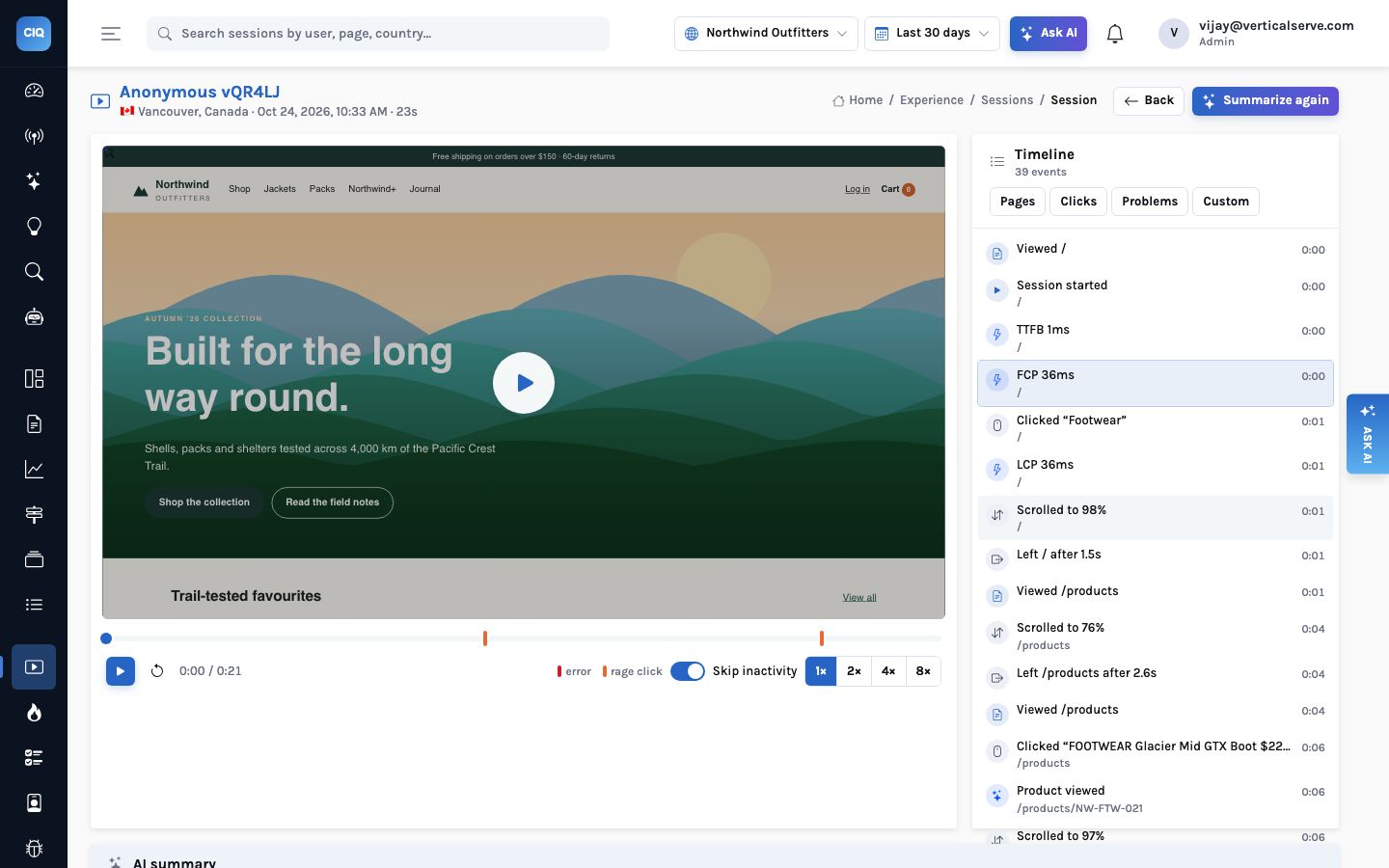
else changes. The demo store's 80-odd recorded sessions plus a handful of report PDFs take
2.4 MB on disk, because the generated sessions are short; real ones sit in the 50–300 KB
range the storage review measured.
Three bucket settings are worth making on day one:
- Block public access and use SSE-S3 or SSE-KMS. The API reads and writes with the task role; nothing needs a public URL.
- A lifecycle rule to Glacier for replays older than 90 days. People rarely watch a three-month-old session, and when they do it is for an investigation that can wait for a restore.
- Versioning only if you need it. Most customers accept that a lost replay is re-recorded by the next visitor; the few who need it can turn on versioning or cross-region replication.
The model: Bedrock, and the answer when it is down
Every AI surface in the console — the insight strip on each page, the “Explain”
on every chart, signal narratives, the weekly digest, investigations, Ask, the agent
playbooks — calls one function in the platform library. With
INSIGHT_LLM_PROVIDER=bedrock (the default on AWS) it reaches Claude through
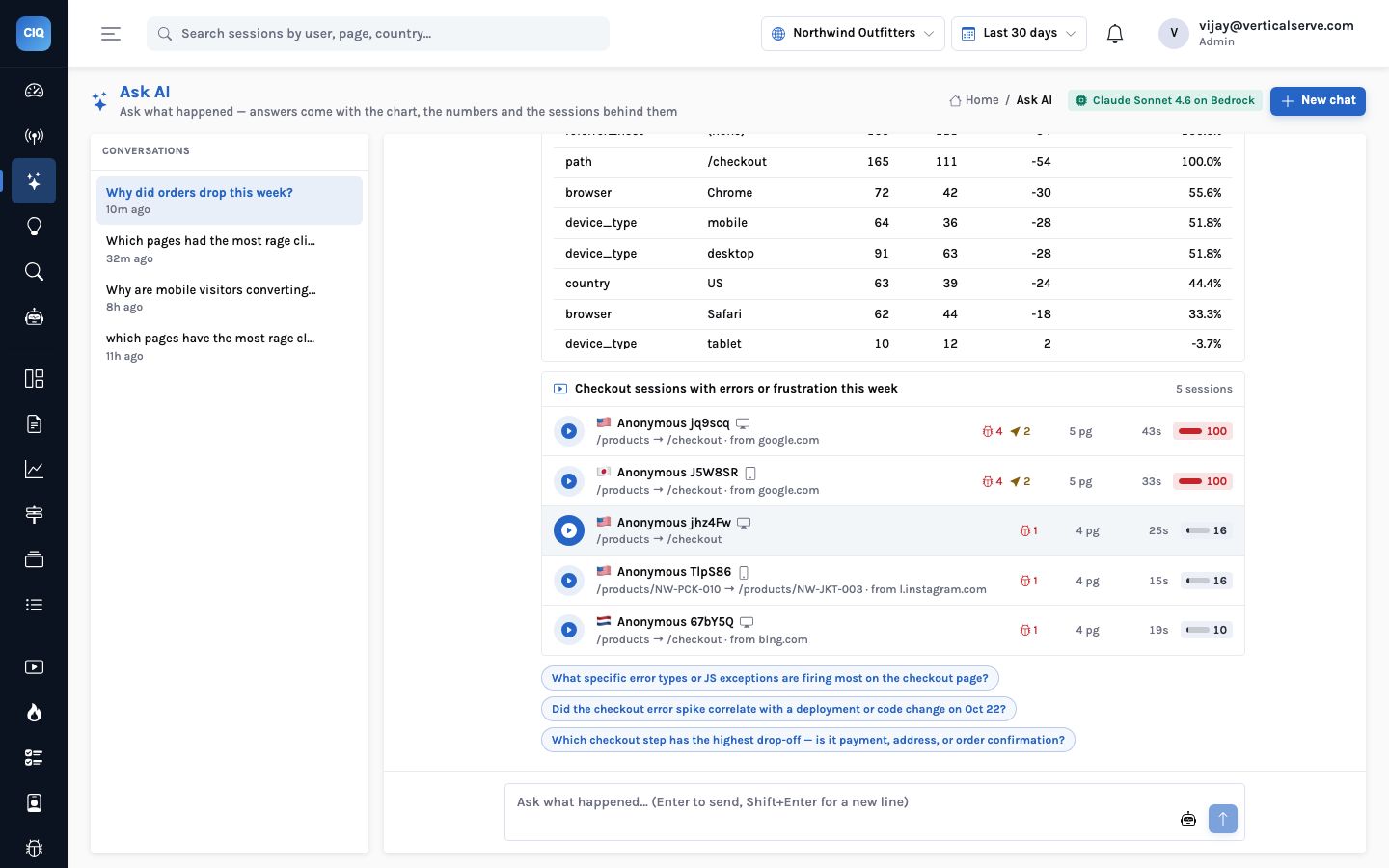
the task role. The demo runs Claude Sonnet 4.6 on Bedrock, and the Ask page says so in its
header.
Two properties matter for the AWS bill and for availability. First, the model never sees
raw events: it receives compacted query results, so token use tracks the size of an answer,
not the size of your traffic. Second, every AI feature has a rules path. If Bedrock is
throttled, unreachable from the VPC, or switched off with CLICKIQ_AI=false,
the same screens answer from rule templates and are labelled “Rules” rather than
“AI”. The numbers do not change, because the model never produced them.
Latency, honestly
A cold insight strip is a synchronous model call: our QA pass measured 7–13 seconds per call on Bedrock. Results are cached for ten minutes (two for Overview and Live), so a second visit is instant. Moving these calls off the request path is on the list; until then, budget for it when you demo a cold console.
Postgres settings that matter
A 30-day journeys scan can run as long as it likes and sorts spill to disk early. One analyst's heavy query competes with ingest on the writer.
statement_timeout = 30s and work_mem = 64MB on the application role; random_page_cost = 1.1 for SSD; autovacuum scale factor 0.02 per event partition; the background rounds lift the timeout for themselves.
These come from the role defaults script the project ships, and they translate directly to
an RDS parameter group or ALTER ROLE statements on the managed instance. RDS
Proxy in front is safe because the tenant is set per transaction with
set_config(…, true), which is exactly what transaction-mode pooling
needs. Turn on INSIGHT_DATABASE_SSLMODE=require, keep the instance in a
private subnet, and keep automated backups at 7–35 days with point-in-time recovery.
Test a restore every quarter; it is the only backup that counts.
When you run more than one API task, the background loop does not run twice. Each round takes a Postgres advisory lock on a dedicated connection; one task does the round and the others skip it. Scaling out is therefore a matter of task count, not of designating a “worker”.
When to add ClickHouse Cloud
The event table is the only thing that ever moves. The query engine compiles every chart,
widget, alert, AI answer and MCP tool through one module, and that module has two dialects:
Postgres and ClickHouse. Switching is configuration:
CLICKIQ_EVENT_STORE=clickhouse, a CLICKIQ_CLICKHOUSE_URL on port
8443 with TLS, and the password as aws-sm://… in
CLICKIQ_CLICKHOUSE_SECRET. Give the console a read-only ClickHouse user and
ingest a writer through CLICKIQ_CLICKHOUSE_WRITE_URL.
Option for event at scale | Fit for the console | Notes |
|---|---|---|
| ClickHouse Cloud on AWS | Yes — supported | The dialect is built and verified: the same specs answer identically on both engines, 1.3–17× faster per statement in our test. |
| Self-managed ClickHouse on EC2 or EKS | Yes | Same dialect; you run upgrades, backups and storage. |
| Redshift Serverless | Batch only | Slower per query for an interactive console and would need its own dialect. Not built. |
| Athena over Parquet | Batch only | Good for ad-hoc analysis of an export; too slow for a console that runs dozens of queries per screen. |
The migration order is the part to follow exactly: run ClickHouse, set
CLICKIQ_EVENT_DUAL_WRITE=true while Postgres is still the backend so new events
land in both, backfill history with scripts/backfill_clickhouse.py (re-runnable;
it skips ids already copied), flip CLICKIQ_EVENT_STORE=clickhouse, and keep
dual-write on. Sessions, people, replays and some reads stay on Postgres, which is why
dual-write stays.
Below about 100 million events a month, the AWS answer is RDS or Aurora, S3 and a replica. ClickHouse is a configuration change you make when the numbers say so, not an architecture you start with.
What your security team will ask
- Where does the data live? In your account, in one region. Residency means one deployment, a database and a bucket, per region; the console is region-agnostic. Do not share a database across regions.
- What leaves the browser? No input values, ever. Replay masks every input by
default,
[data-private]text is sent as asterisks, and[data-clickiq-block]elements are neither recorded nor captured. - Can a person be erased? Yes.
DELETE /api/people/{id}removes every id they were seen under, their sessions, events and the replay objects in S3. - Where does country come from? From CloudFront's viewer-country headers when they
are forwarded, else a MaxMind database if you mount one
(
CLICKIQ_GEOIP_DB), else the browser's time zone. The IP address is not stored as an event field.
What this deployment does not include
- Daily rollups. Partitions, retention, the index diet and the read replica shipped; rollup tables are the next storage item and are not built yet.
- Multi-region active-active. One region per deployment. That is a residency feature as much as a limit.
The warehouse export has shipped since this was first written: events, sessions and people as
Parquet to s3://bucket/prefix, hourly or daily, and GET /api/exports/schema
returns the Athena DDL with partition projection.
The same product on Azure → · How the event engine switches →


